How to make faceless YouTube videos with AI
To make a faceless YouTube video with AI, pick a niche where the subject matters more than the presenter and write or draft a script you've checked. Narrate it in your own voice or an AI voice, give each line a matching picture or clip in one visual style, then add captions, music and chapters and upload with a title and thumbnail that match the video.
This guide covers the choices at each step, the upload settings that apply to AI-made videos, and what YouTube's monetization rules say about AI and mass-produced content. For pacing, word counts and keeping a video of 20 minutes or more consistent, see how to make a long-form AI video.
Updated .
Choose a niche that works without a face
Faceless videos work when viewers come for the subject: a story, a period of history, a case, a place, an idea. They struggle where people watch for a personality, as in vlogs, reactions or beauty.
Before you commit, check you can list 30 video ideas and picture something on screen for each paragraph. Faceless YouTube channel ideas has 15 niches with example videos and typical lengths.
Write the script, with AI as a first draft
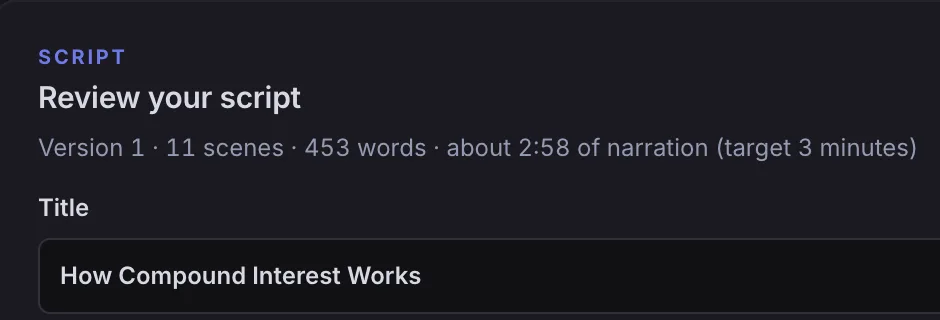
With no presenter, the script does all the work. An AI model can expand an outline into a usable draft; expect to rewrite much of it.
- Outline it yourself. Decide the angle, the sections and their order, then have the AI expand each part. The angle is what makes the video yours.
- Rewrite the first 30 seconds. Say what the video is about and why it's worth staying for. Cut openers like "In this video we will explore".
- Check names, dates, numbers and quotes. These are where AI drafts go wrong most often, and history and science audiences point it out in the comments.
- Add what the draft can't. A source you read, an example from your own work, a view on which explanation holds up. YouTube's monetization rules look for this too (see below).
Narrate it: your voice or an AI voice
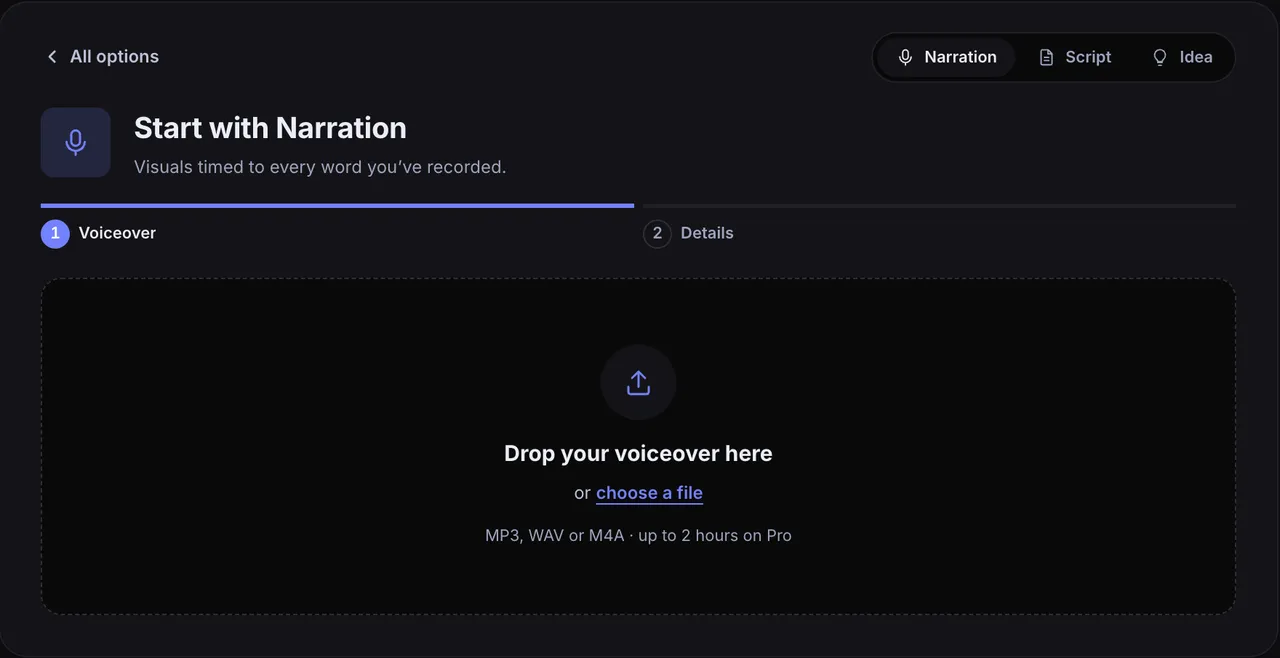
Both are common on YouTube. The choice is mostly about time, and how much you want the channel to sound like you.
| Your own voice | AI voice | |
|---|---|---|
| Setup | A USB microphone and a quiet room | None |
| Fixing a line | Re-record and match the sound | Edit the text and regenerate |
| Other languages | Only the ones you speak | Many, depending on the tool |
| Recognition | Yours alone | Other channels may use the same voice |
If you go fully AI, play samples of several voices and pick one that few channels in your niche already use.
Choose what's on screen: stock, AI pictures or AI clips
- Stock footage. Quick, but generic, and the same clips turn up on other channels.
- AI pictures, one per scene. Made to match each line, in a style that's yours. Slow camera moves keep a still picture from looking frozen.
- AI video clips. Real motion, but short, priced per clip, and harder to keep consistent. Best saved for a few key moments.
- Maps, charts and on-screen text. Expected in history, finance and explainer niches, where viewers need to see where and how much.
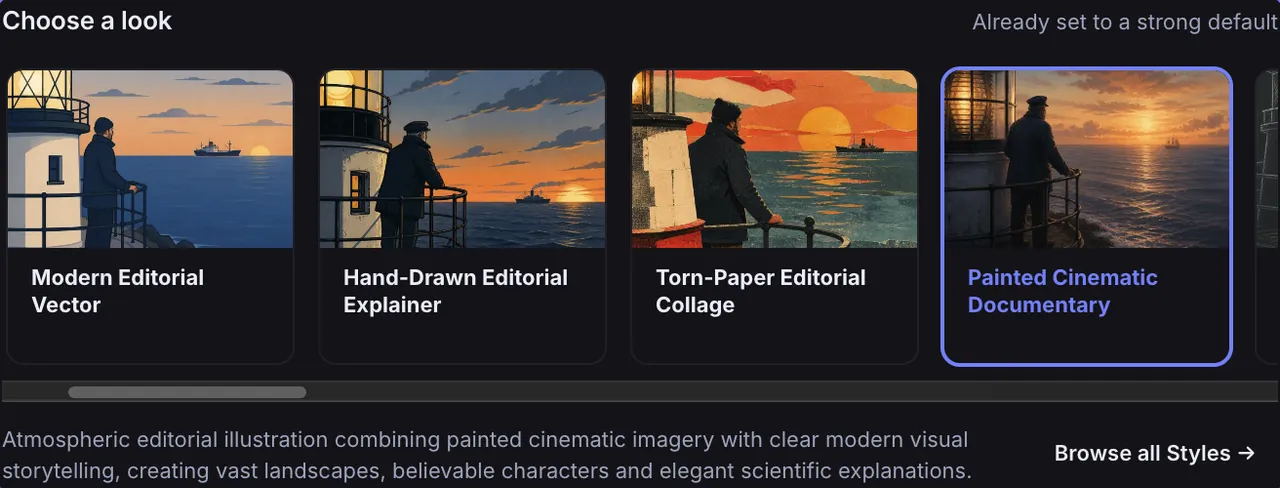
Pick one visual style and use it in your thumbnails too, so a returning viewer spots them in the feed. Calm niches such as sleep stories hold each picture far longer than an explainer would.
Edit with captions, music and chapters
- Match the picture to the words. When the screen shows what's being said at that moment, a faceless video is much easier to follow.
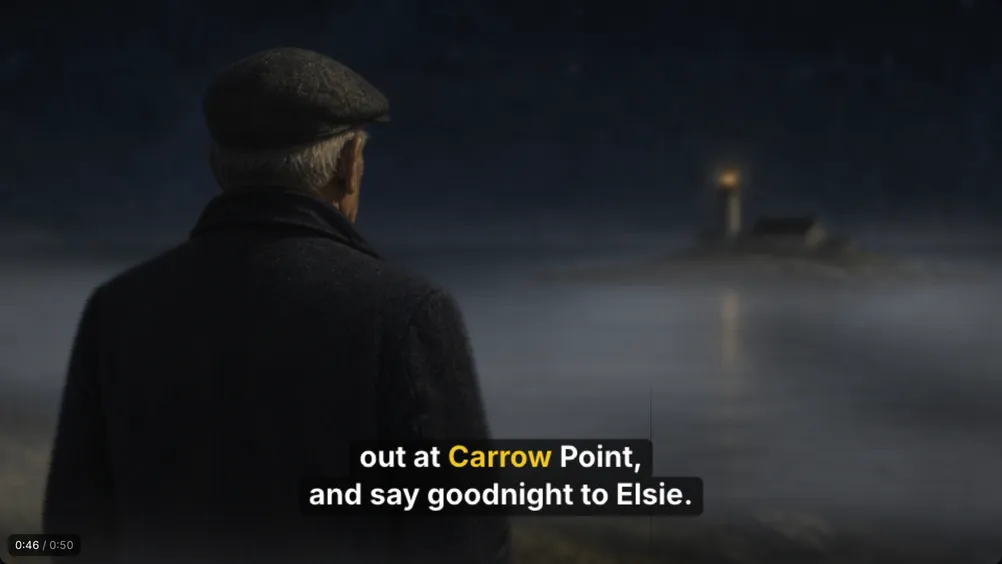
- Add captions. Burned-in captions suit Shorts, where they're part of the look. For long videos, upload an .srt file instead, so viewers can turn them off.
- Use licensed music. YouTube's own Audio Library is free to use in monetized videos. A track that gets a Content ID claim can send the video's ad revenue to the rights holder.
- Add chapters to anything over 10 minutes. Cards in the video, and timestamps in the description.
Upload settings for AI-made videos
- Altered or synthetic content. YouTube asks you to disclose realistic content made or changed with AI that viewers could mistake for a real person, place or event. Using AI to write the script, or clearly illustrated or animated pictures, doesn't need it. A realistic AI voice of a real person does.
- Made for kids. If the video is aimed at children, you have to mark it as made for kids. That turns off comments and personalized ads on it.
- Shorts. Shorts can be up to 3 minutes long and need a vertical (9:16) or square export. A Short can link to a related long video on your channel.
- Title and thumbnail. A faceless thumbnail usually rests on one strong image and a few words.
YouTube's monetization rules for AI and mass-produced videos
YouTube allows AI-made videos, and faceless channels can join the YouTube Partner Program like any other. To earn from ads, a channel needs 1,000 subscribers and either 4,000 public watch hours in the past 12 months or 10 million Shorts views in 90 days. Check YouTube's current figures before you plan around them.
Its monetization policies exclude inauthentic content, meaning videos that are mass-produced or repetitive. YouTube's examples include videos made from a template with little variation between them, and image slideshows or scrolling text with little narrative, commentary or educational value. Reused content, meaning other people's material with little added, is excluded too.
A video of AI pictures over AI narration is closer to that slideshow example than most creators would like, so the script and research have to carry it. A channel uploading dozens of near-identical AI videos a day is what the policy is written for.
Meeting these requirements is the creator's responsibility. Animatic includes commercial use on paid plans but can't guarantee Partner Program acceptance or revenue.
Making faceless videos in Animatic
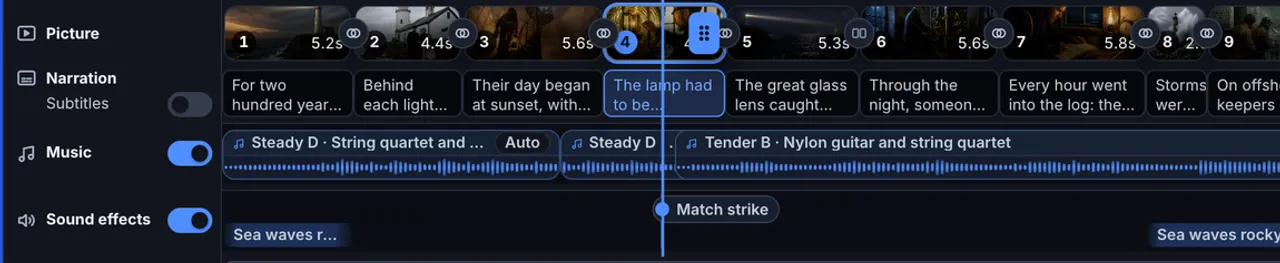
Animatic does everything from the script to the export in one project. Upload your own recording, paste a script and pick from 62 AI voices in 15 languages, or start from an idea and edit the drafted script. It splits the narration into scenes, makes a picture for each in one Visual Style, and puts them on a timeline with camera moves, transitions, chapter cards, maps and sound effects. Paid plans add music and subtitles. Projects run up to 10 minutes on Free and up to 3 hours on Ultra.
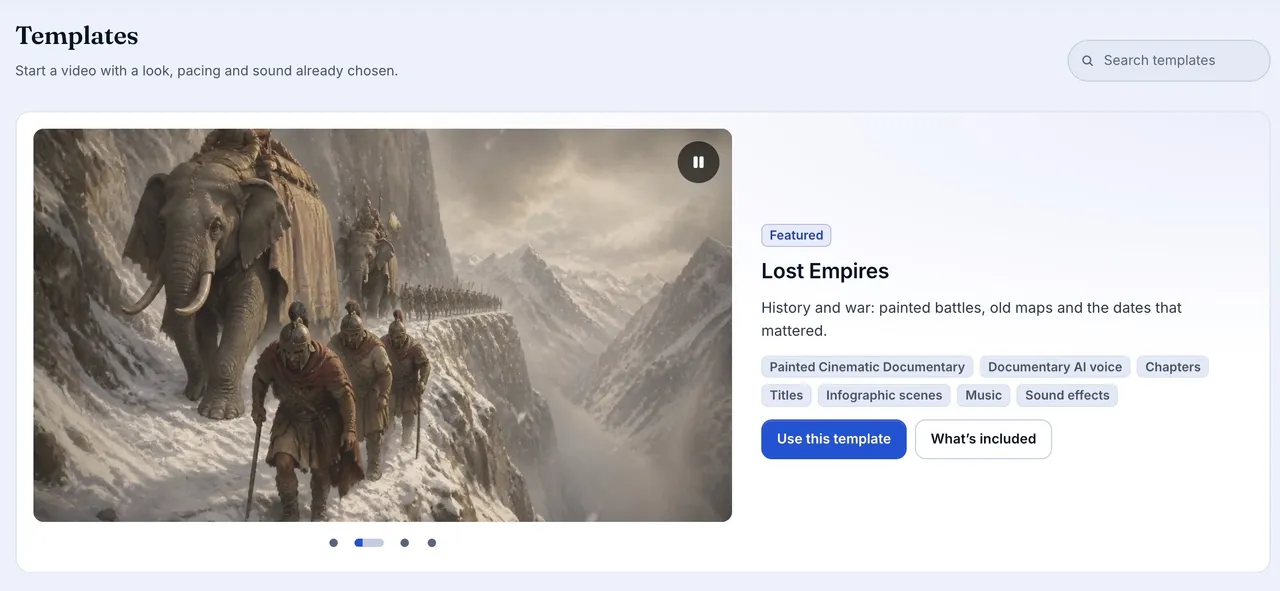
Templates start a project with the style, voice and pacing set for a niche, such as Lost Empires for history, Cold Case for true crime, After Midnight for horror and folklore, Bright Idea for explainers and Fast Facts for vertical Shorts. They're all on the templates page.
The free plan is enough to try it on a short video. See pricing for what each plan includes, and the faceless YouTube video generator page for what Animatic offers faceless channels.
Questions
Can you make faceless YouTube videos with AI for free?
Yes, for short videos. Free tiers cover scripts, voices and editing, usually with watermarks or length limits, and YouTube's Audio Library covers music. Animatic's free plan includes 100 credits once, projects up to 10 minutes and 720p exports with a watermark.
Can a faceless YouTube channel that uses AI be monetized?
Yes, if it meets the YouTube Partner Program's requirements and policies. YouTube excludes mass-produced and repetitive content from monetization, so each video needs real work of your own. Meeting those requirements is the creator's responsibility.
How long should a faceless YouTube video be?
It depends on the niche: 8 to 20 minutes for explainers, 15 to 60 for history and true crime, 30 minutes to a few hours for sleep content, and 3 minutes or less for Shorts.