Faceless YouTube channels
Long-form and ultra-long-form uploads, in a look that stays the same episode to episode.
AI documentary video maker
Turn your research into a narrated, illustrated documentary. Generate imagery for each scene, shape the pacing and refine the result in one project.
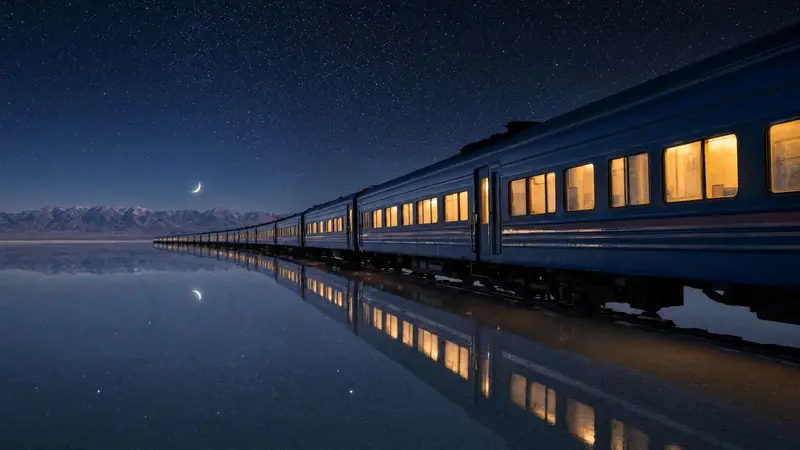
Archive footage for a story you've researched often doesn't exist, and stock footage rarely fits what's being said. Animatic suggests a picture for each part of the narration, and you can change every one.
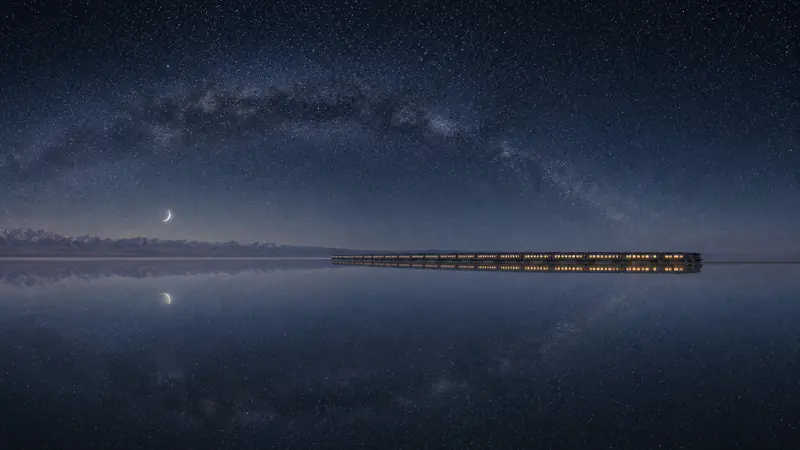 05:14 – 05:25
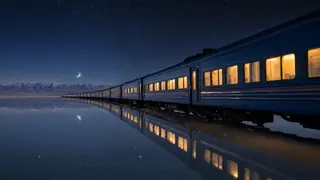
Far away and small: the lit train crossing the salt flat under the arc of the Milky Way.
From a distance, the train was only a line of light between two skies.
What Animatic does, and what stays with you.
Sources, structure and fact-checking. Animatic doesn't research or verify claims.
YouUpload a 45-minute read, or generate it from the script with an AI voice.
YouThe narration is timed and cut into scenes. This runs in the background.
AnimaticRewrite the scenes that describe the wrong thing, merge two that should be one, set the pace of the middle section.
YouA picture for every scene in your Visual Style. Anything that fails is retried for you.
AnimaticGo through the film, remake the shots that aren't right, turn key scenes into video and adjust the timing.
YouAdd your intro, outro and logo from a Brand Kit, then export one 1080p video.
AnimaticSome built-in Visual Styles look like film stock, press photography or period illustration. They make new pictures in that look; they are not records of what happened.
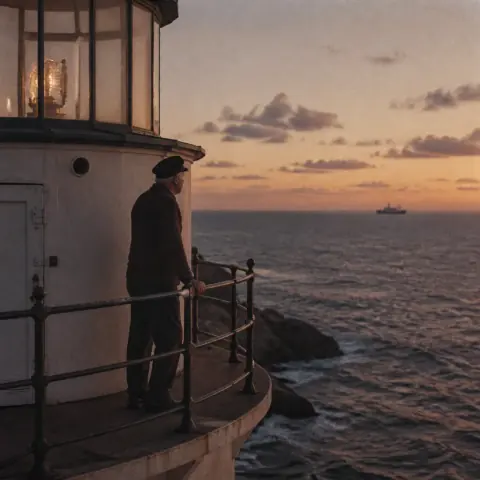
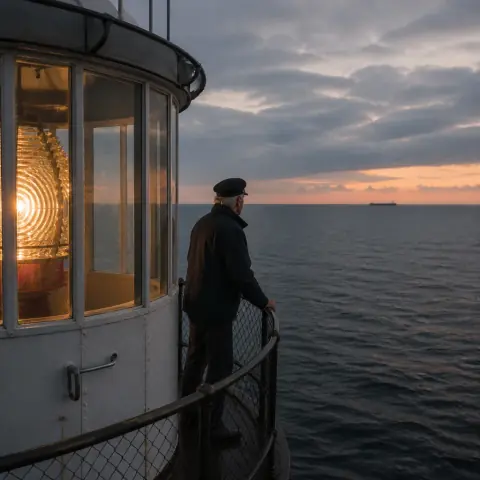
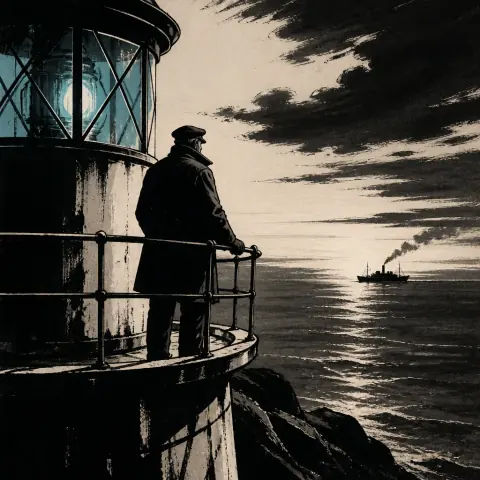
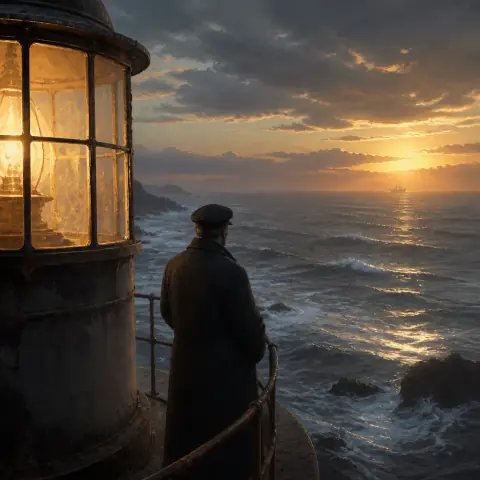
Feature-length documentary work doesn't fit tools built around clips a few seconds long. Animatic runs a 3-hour project on Ultra, 2 hours on Pro and 1 hour on Creator, as one project with one scene plan, one look and one export.
If the films go out as a channel, the faceless YouTube page covers videos that run for hours and keeping a series consistent.
Animatic doesn't research your subject, verify claims or clear rights in third-party material. Accuracy, sourcing and permissions stay with you as the filmmaker.
 Cold open
 Part 1
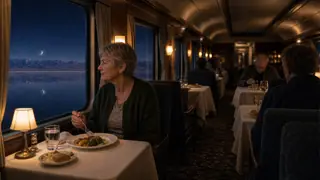 Part 2
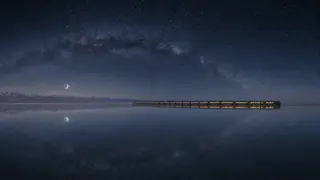 Part 3
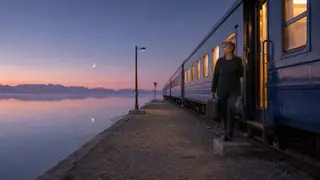 Close
CloseCreator suits films up to an hour. Pro covers feature-length films and more than one series at a time, and Ultra goes up to 3 hours.
Choose how you'd like to be billed.
For publishing videos regularly.
Billed annually at $240 — save $48 a year.
Billed monthly. Cancel any time.
Everything in Free, plus
For longer productions and more than one series.
Billed annually at $590 — save $118 a year.
Billed monthly. Cancel any time.
Everything in Creator, plus
For the longest projects and the heaviest output.
Billed annually at $990 — save $198 a year.
Billed monthly. Cancel any time.
Everything in Pro, plus
Explore Animatic with your own idea. No card required.
100 credits is enough to try Animatic. A full 10-minute video usually needs more.
Credits pay for what Animatic makes for you, and you see the cost before each step. Paid plans get their credits every month, however you pay, and unused credits don't roll over. The longest project is a limit on each project, not an amount of video.
No. It works from the idea, script or narration you give it. Start with an Idea can draft a script from your idea and the facts you supply, but it doesn't search the web or verify claims. Check the draft before you approve it.
No. Upload a recorded voiceover if you have one, and the scene timings come from your read. Or paste the script and generate the narration with an AI voice, or start from an idea and edit the script Animatic drafts.
An illustrated film: your narration over an AI-generated picture for each scene, in your Visual Style, moving with the camera, plus any scenes you've turned into video with Animate scene. The pictures are illustrations, not archive: they show what the narration describes, not a record of what happened.
Up to 3 hours on Ultra, 2 hours on Pro, 1 hour on Creator and 10 minutes on Free — as a single project rather than parts you assemble later.
Yes, as stills: upload your own image for any scene in place of the generated one, and bring your logo, intro and outro through a Brand Kit. Animatic doesn't source or license archive material, and clearing rights in anything you supply is your responsibility.
Rewrite what that scene depicts and regenerate it on its own. The rest of the film stays exactly as it is, and earlier versions of the scene are kept.
Yes. A Visual Style keeps the look, and a Space groups the projects that share it.
Commercial use is included on every paid plan, and exports are 1080p without a watermark. Meeting a platform's rules on originality, rights, accuracy and AI disclosure is your responsibility as the publisher.
Start free with 100 credits: enough to see the scene plan and the first images for a short section before you pay for a longer film.