Faceless YouTube channels
Long-form and ultra-long-form uploads, in a look that stays the same episode to episode.
AI educational video maker
Create narrated lessons and explainers with visuals to support your ideas. Edit each scene and reuse your visual style across a course or series.
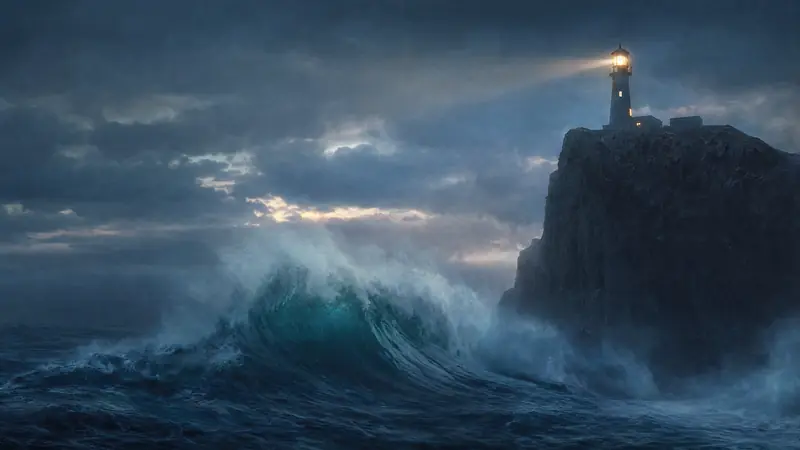
Processes, historical scenes and abstract ideas are hard to film. Each point in the lesson gets a visual of its own. For narrative, story-led work, see the documentary page.
A written module becomes a video lesson without a camera or a studio day.
Procedures and onboarding, updated by regenerating only the scenes that changed.
One idea explained properly, with a visual for each step of the reasoning.
A recorded lecture given visuals, instead of a single fixed camera angle.
Short recaps that match the full modules they belong to.
Long explanations of how something works, kept in one Space per team.
You make the teaching decisions. Animatic makes the visuals.
Start from a topic, paste the written script and choose an AI voice, or upload a recorded narration. Nothing has to be filmed.
Animatic splits the lesson wherever the explanation moves on, and makes a picture for each part.
Reword what a scene shows, regenerate anything that would confuse, slow the pace where the material is dense, and export.
Every plan, Free included, gets the built-in Visual Styles. These four were made for diagrams, processes and how things work. Choose one for a course and every module starts from the same look.
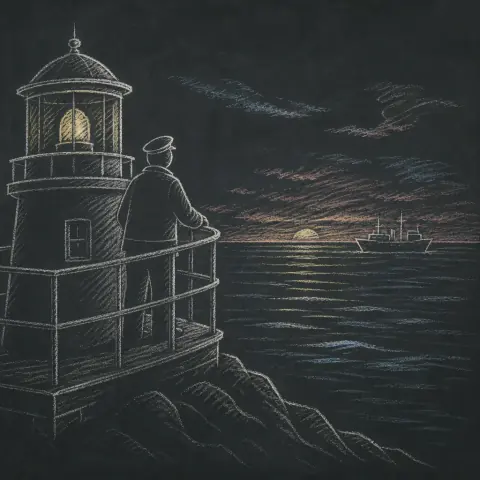
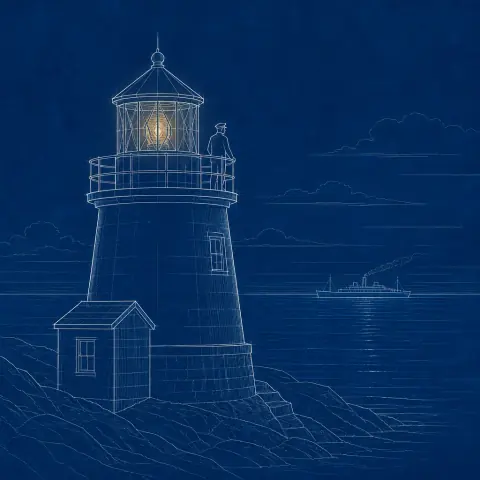


If a visual would confuse a learner, rewrite what that scene shows and regenerate it, or upload your own diagram in its place. The rest of the lesson stays as it is.
Modules made months apart often end up looking different. Animatic keeps the look, the branding and the defaults in one place, so a series stays consistent as it grows.
 Linocut Print
 Risograph PrintNew style
 1
1 2
2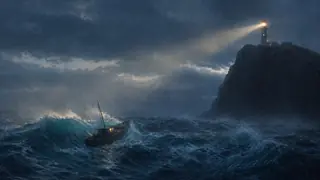 3
3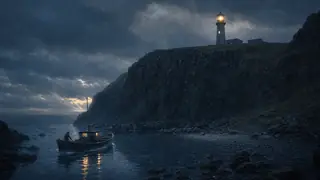 4
4 5
5It's a video production tool for lessons you've written or recorded. It isn't a course platform, and it doesn't check whether your teaching is correct.
No LMS or SCORM integration, no quizzes or interactivity, no presenter avatars, no certificates, and no checking of factual accuracy.
What the lesson teaches, and whether it's right, stays with you. So does clearing rights in anything you supply.
Creator fits most course work. Pro adds 2-hour projects and room for several courses at once, and Ultra goes to 3 hours.
Choose how you'd like to be billed.
For publishing videos regularly.
Billed annually at $240 — save $48 a year.
Billed monthly. Cancel any time.
Everything in Free, plus
For longer productions and more than one series.
Billed annually at $590 — save $118 a year.
Billed monthly. Cancel any time.
Everything in Creator, plus
For the longest projects and the heaviest output.
Billed annually at $990 — save $198 a year.
Billed monthly. Cancel any time.
Everything in Pro, plus
Explore Animatic with your own idea. No card required.
100 credits is enough to try Animatic. A full 10-minute video usually needs more.
Credits pay for what Animatic makes for you, and you see the cost before each step. Paid plans get their credits every month, however you pay, and unused credits don't roll over. The longest project is a limit on each project, not an amount of video.
No. Paste the lesson script, choose an AI voice and set the speed; you see the cost in credits before you generate. You can also upload your own recording.
No. It visualizes the narration you give it and doesn't verify facts. The teaching, and its accuracy, stays with you.
It can draft one. Start with an Idea turns your topic and the facts you supply into an editable script. It doesn't check accuracy, so review the draft before you approve it for narration.
Yes. Reword what that scene depicts and regenerate it on its own. The rest of the module is untouched, and earlier versions are kept.
10 minutes on Free, 1 hour on Creator, 2 hours on Pro and 3 hours on Ultra — long enough for a full lecture-length session in one project.
If they share a Visual Style, they start from the same look, and a Space keeps a course's projects together. Check each module's scenes and regenerate any that drift.
No. Animatic exports a standard video file, which you upload wherever you host your teaching.
Commercial use is included on every paid plan, and those exports are 1080p without a watermark. Free exports are 720p and watermarked.
Start free with 100 credits: enough to plan a lesson and see its first visuals before you pay for anything.