 21
21 22
22 23
23 24
24 25
25Documentaries and deep dives
An idea, a script or your narration turned into a scene-by-scene film you can direct.
Long-form YouTube video generator
Turn your topic into a narrated episode with AI-generated visuals, a style you can reuse and scenes you can edit. Create videos up to 3 hours long on Ultra.
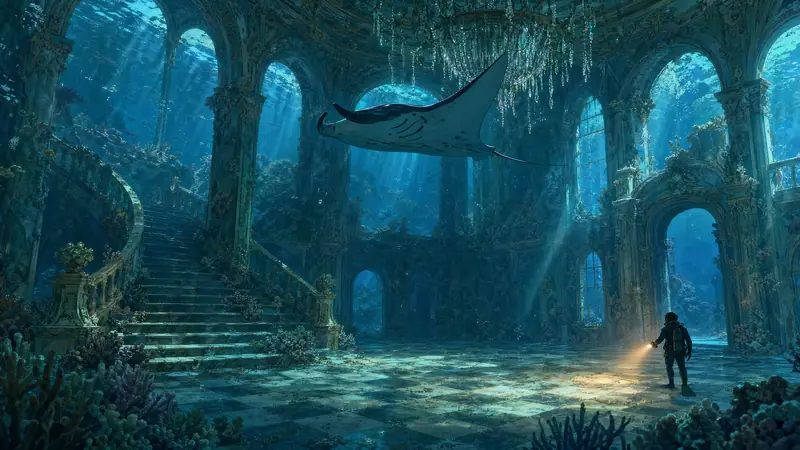
Ultra-long-form is what creators call videos that run for hours: long documentaries, deep dives, compilations, sleep stories, full histories. Animatic handles projects up to 3 hours on Ultra, 2 hours on Pro and 1 hour on Creator.
Tools that make a few seconds of video at a time leave you with dozens of clips to line up for an hour-long video. Animatic keeps the whole video in one project, and keeps working after you close the browser.
 Cold open
 Part 1
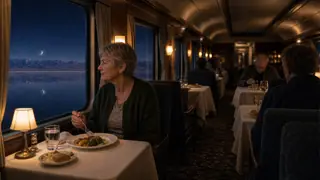 Part 2
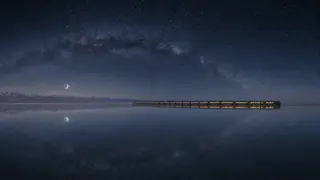 Part 3
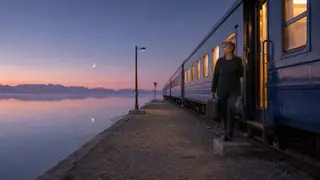 Close
CloseThe whole video is laid out as scenes first, however long the narration runs.
One project and one timeline, so there's nothing to stitch together afterward.
Your Visual Style and Continuity carry from the first minute to the last.
Remake the scene that isn't right and leave the rest as they are.
| Plan | Longest project |
|---|---|
| Free | 10 minutes |
| Creator | 1 hour |
| Pro | 2 hours |
| Ultra | 3 hours |
These are the longest episodes each plan allows, not an amount of video included. How many credits an episode uses depends on how many scenes it has and what you generate.
Viewers come back to a channel they recognize. One Visual Style sets the look, and Continuity keeps the same characters and places looking the same as the story moves on.
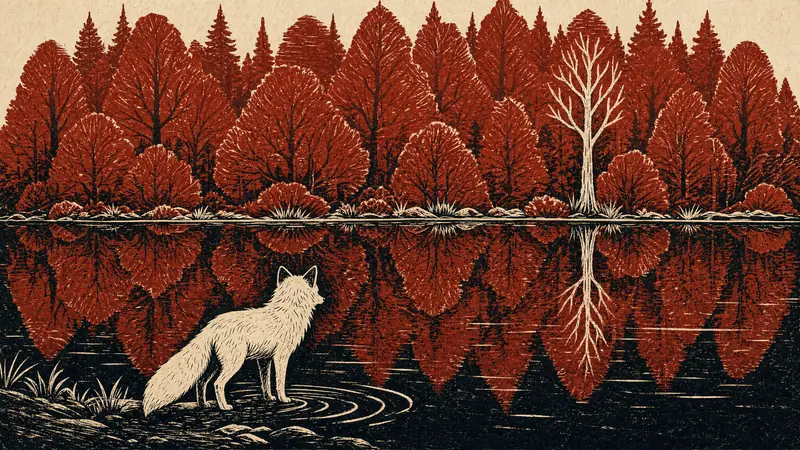 1A fox at the edge of a red forest.
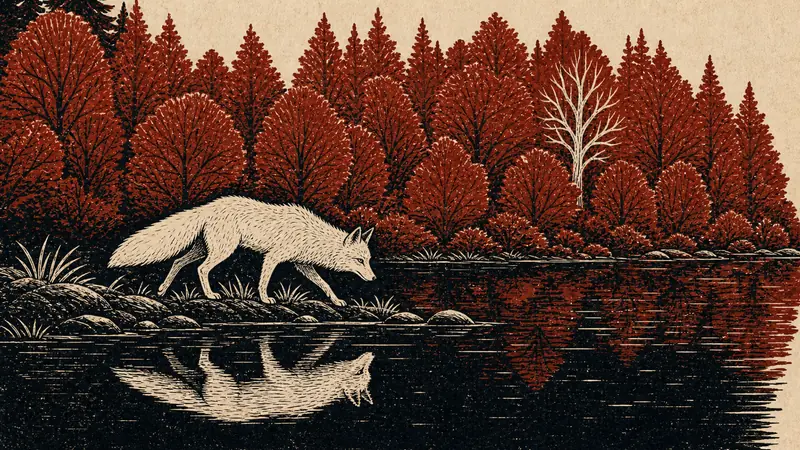 2It follows the shore.
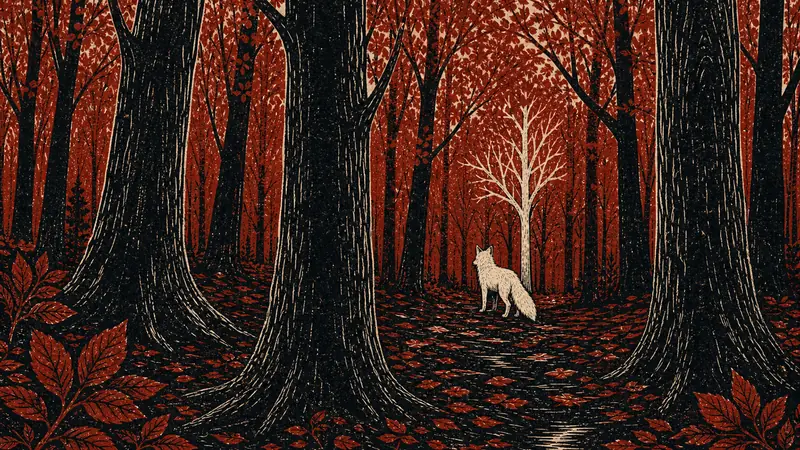 3Into the trees.
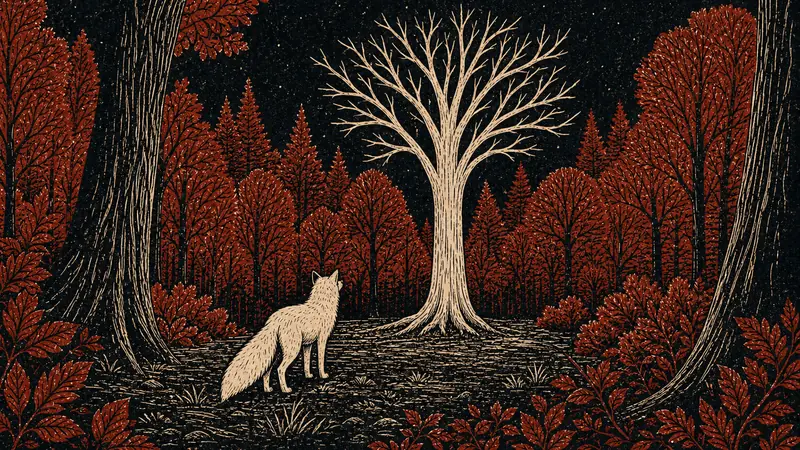 4At the foot of the pale tree.
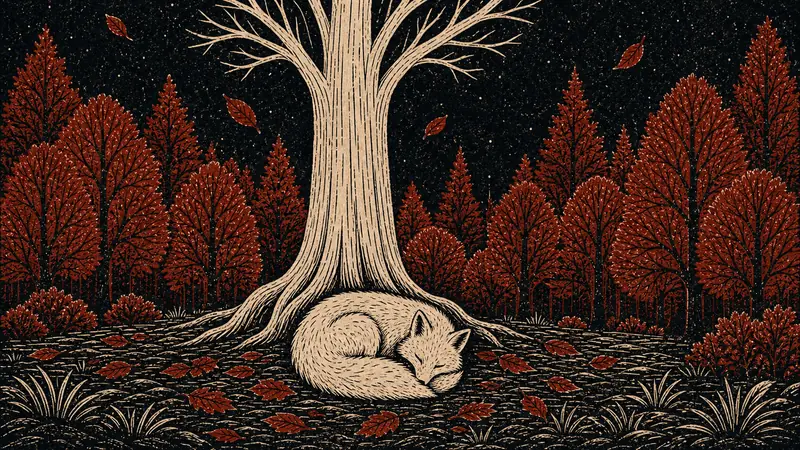 5It sleeps.
Set your channel's look once and start every upload from it, so episode 40 is recognizably the same channel as episode 1.
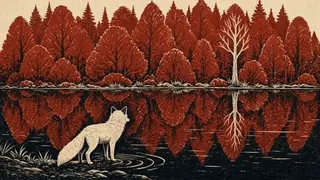 Linocut Print
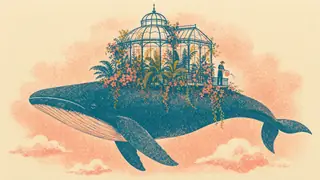 Risograph PrintNew style1
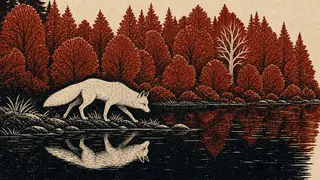 2
2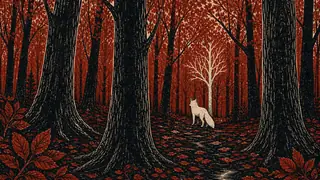 3
3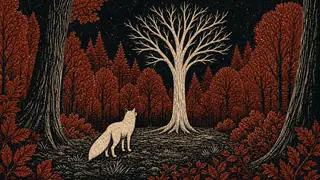 4
4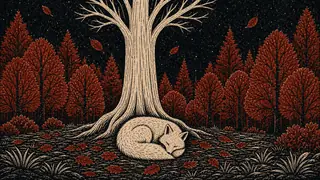 5
5You review the scene plan and the visuals before anything is exported.
Give Animatic an idea and edit the script it drafts, paste a script you've written, or upload your own voiceover.
The narration is split into scenes where the subject changes, and each scene gets an image in your channel's style.
Rewrite scene descriptions, set the pace and regenerate any scene that misses.
One 1080p video with no watermark on every paid plan. You decide what goes up.
Long narration with an arc, and subjects that come back throughout.
Visuals that follow the argument instead of decorating it.
Places and figures you can't find as stock footage.
One Visual Style and one Brand Kit across every episode.
Videos hours long, at a slow pace with gentle movement.
Segmented scripts where each part gets its own treatment.
Export a complete 1080p video with no watermark, cut to your narration — not a folder of clips to assemble.
Commercial use is included on every paid plan, so you can run ads, take sponsorships or deliver client work. Each episode is built from your script and your direction, and you review every scene before export.
Upload-ready for YouTube, sponsors and client work.
Creator covers most channels. Pro adds 2-hour episodes and room for more than one channel, and Ultra goes up to 3 hours.
Choose how you'd like to be billed.
For publishing videos regularly.
Billed annually at $240 — save $48 a year.
Billed monthly. Cancel any time.
Everything in Free, plus
For longer productions and more than one series.
Billed annually at $590 — save $118 a year.
Billed monthly. Cancel any time.
Everything in Creator, plus
For the longest projects and the heaviest output.
Billed annually at $990 — save $198 a year.
Billed monthly. Cancel any time.
Everything in Pro, plus
Explore Animatic with your own idea. No card required.
100 credits is enough to try Animatic. A full 10-minute video usually needs more.
Credits pay for what Animatic makes for you, and you see the cost before each step. Paid plans get their credits every month, however you pay, and unused credits don't roll over. The longest project is a limit on each project, not an amount of video.
No. Upload a voiceover, have an AI voice read your script, or start from an idea. Animatic generates the visuals for every scene, so you don't need to film anything or find stock footage.
Yes. Paste your script, choose from 6 voices, play a free sample, and set the speed and delivery style. You see the cost in credits before you generate.
Yes. Start with an Idea drafts an editable script from your idea, at the length you choose. You edit and approve it before any narration or visuals are generated.
Creators use it for uploads measured in hours rather than minutes — extended documentaries, deep dives, compilations and sleep-friendly stories. Animatic supports projects up to 3 hours on Ultra, 2 hours on Pro, 1 hour on Creator and 10 minutes on Free.
Set the look once with a Visual Style, choose how often the picture changes, and remake any scene that isn't right. Continuity keeps recurring characters and places consistent. Turn a few key scenes into video with Animate scene, and on paid plans Cinematic Depth adds a subtle sense of depth to the pictures that suit it.
The scene plan, what each scene shows, the Visual Style, the pace, each scene's camera movement and transition, its timing, and which scenes become video. Earlier versions of a scene are kept, so you can go back.
You can publish and monetize them where the finished video meets that platform's rules on originality, rights, disclosure and eligibility. Commercial use is included on every paid plan. YouTube makes the monetization decision — we can't guarantee approval or revenue.
Yes. Transcription, scene planning and image generation run in the background, which matters when a project is hours long.
A finished video file: your narration over AI-generated pictures that move with the camera, plus any scenes you've turned into video. 1080p with no watermark on every paid plan, 720p with a watermark on Free.
Use a topic, a script or a recording you were going to publish anyway. Try it with 100 free credits, and upgrade when you want longer episodes, more credits and exports without a watermark.