What does Animatic make?
A narrated video, from an idea, a script or your own voiceover. Animatic plans a scene for each part of the narration, generates an image for every scene in the Visual Style you choose, adds camera motion and transitions, and exports a finished video. It can also add music, sound effects, subtitles, titles, chapter cards, graphics and maps. Every scene stays open to edits until you export. On every plan, including Free, you can also turn the scenes you choose into generated video with Animate scene.
Who is Animatic for?
People who make narrated videos: faceless YouTube channels, documentary and video-essay makers, and teachers turning lessons and courses into video. It suits stories from a few minutes to several hours long that should look consistent from start to finish.
Do I need a script or recording?
No. Start with an Idea drafts a script from your idea, which you edit and approve before anything is narrated. If you've written a script, one of 62 AI voices in 15 languages can read it. If you've recorded a voiceover, upload it as an MP3, WAV or M4A file. You can switch between an AI voice and your own recording at any time.
What do the finished videos look like?
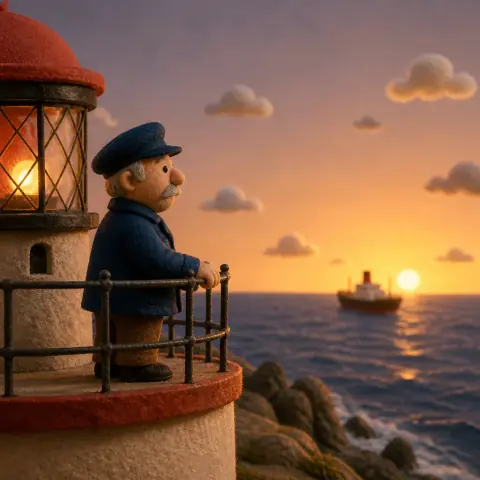
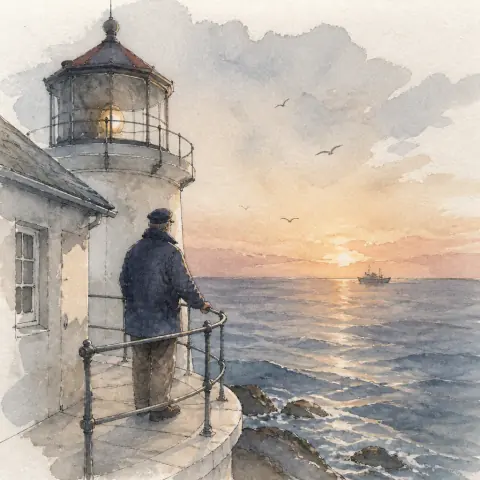
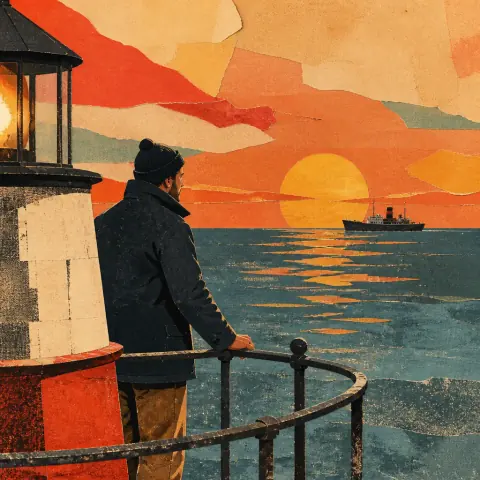
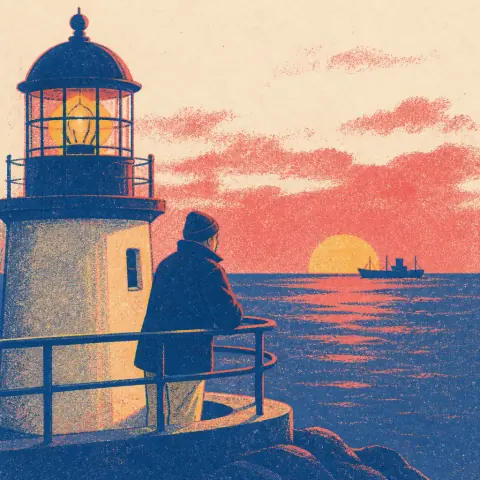
Your narration over a picture for every scene, in the Visual Style you choose. Each picture moves gently with the camera and flows into the next. On every plan, including Free, you can turn the scenes you choose into generated video with Animate scene, and the rest stay as pictures in the same timeline. On paid plans, Cinematic Depth can add a subtle sense of depth to pictures that suit it. It picks those scenes for you, and Subtle life adds gentle movement inside them. You can add music, sound effects, subtitles, titles, maps and chapter cards, and export in 16:9, 9:16 or 1:1.
Can I change the generated scenes?
Yes. Remake any picture or upload your own, rewrite what a scene shows, change its timing, its camera movement and its transition, or reorder scenes. Earlier versions of each picture are kept, so you can go back.
How long can my videos be?
Up to 10 minutes on Free, 1 hour on Creator, 2 hours on Pro and 3 hours on Ultra, each as one project and one export. That's a limit per project, not an allowance of video: how many credits a project uses depends on how many scenes it has and what you generate.
Is Animatic good for long-form and ultra-long-form video?
That's what it's built for. A single project runs to 2 hours on Pro and 3 hours on Ultra, as one script, one timeline and one export — so a feature-length documentary or an ultra-long-form YouTube upload doesn't have to be cut into parts and stitched together afterward. One Visual Style carries through every scene, which holds a two-hour video together end to end and keeps a series looking the same from episode to episode.
What is included free?
Free includes 100 credits once, projects up to 10 minutes (AI-written scripts and AI narration up to 5 minutes) and 720p exports with a watermark. No credit card required. You get the 20 built-in Visual Styles, AI voices and the full editor, plus sound effects, chapter cards, graphics and maps. Free projects are kept for 30 days. 100 credits is enough to try Animatic. A full 10-minute video usually needs more. Every step shows its credit cost before it runs.
Which languages can Animatic narrate in?
There are 62 AI voices in 15 languages: English (US, UK and Australian), Spanish (Latin American and Castilian), French, German, Italian, Portuguese (Brazilian), Dutch, Polish, Russian, Arabic (Standard, Gulf and Egyptian), Chinese (Mandarin), Japanese, Korean, Hindi and Turkish. Voiceovers you upload in other languages are transcribed automatically.
Can I use Animatic on my phone?
Yes. All of Studio works on a phone, including the Timeline and export. Paid plans can also render the export in the cloud.
Can I use the videos commercially?
Yes, on any paid plan, including videos with ads or sponsorships and work for clients. Meeting each platform's rules on originality, rights and AI disclosure is up to you as the publisher.
 14
14 15
15 16
16 17
17 18
18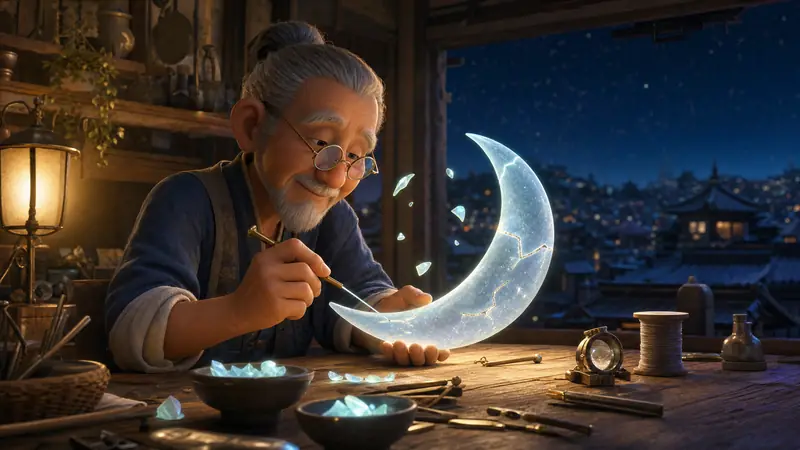
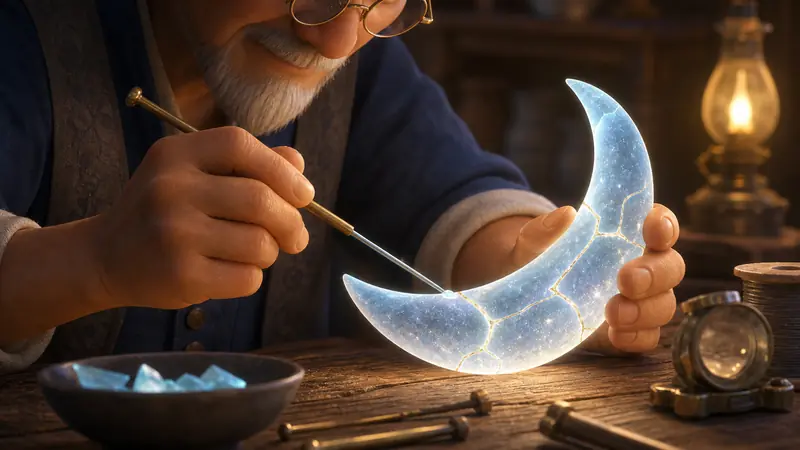 2The last crack seals with gold.
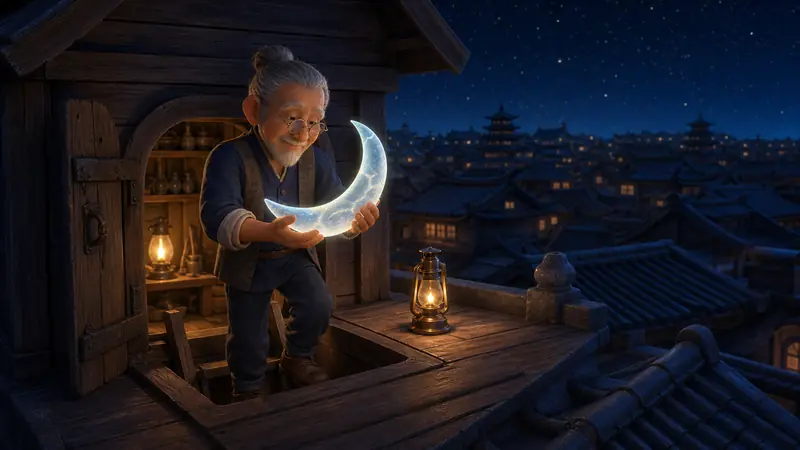 3He carries it up onto the roof.
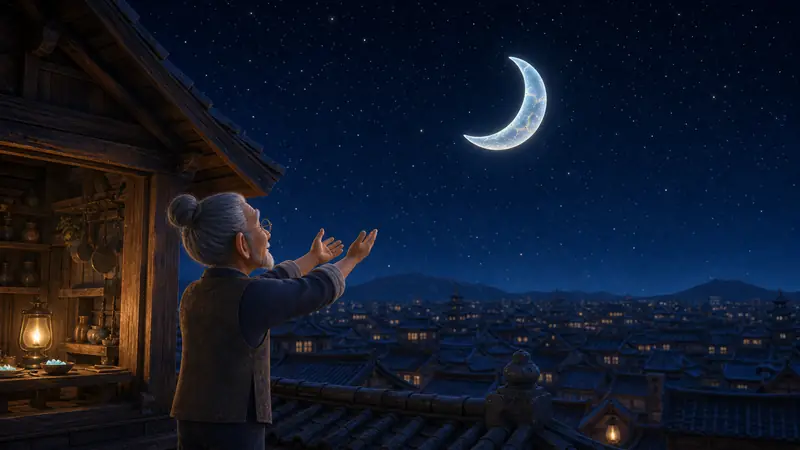 4He lets it go.
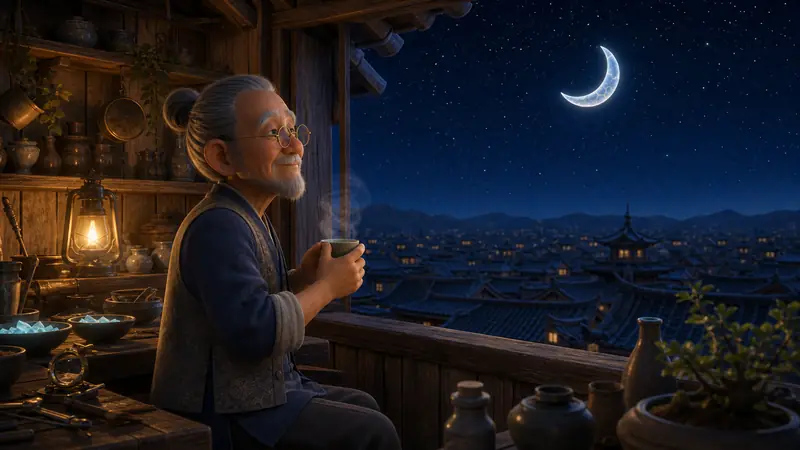 5The moon back in the sky.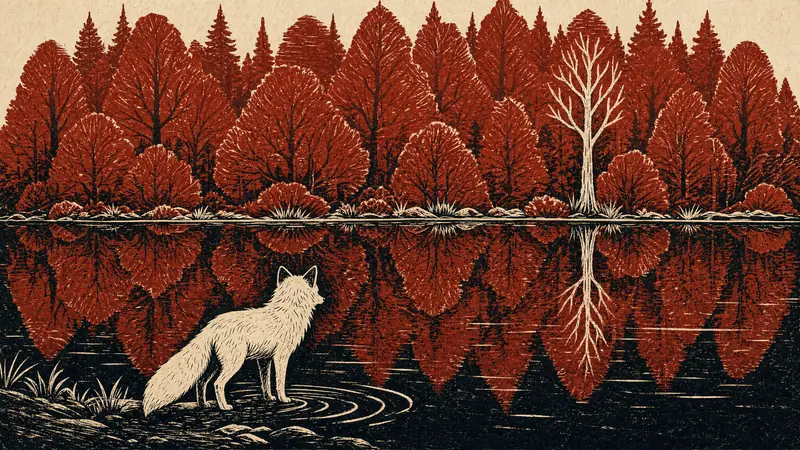
 18
18 19
19 20
20 21
21