From your recording
Upload a voiceover or podcast audio and get scenes timed to your voice.
Paste a script and one of 62 AI voices in 15 languages reads it. Animatic splits it into scenes and makes a picture for each in your Visual Style. You edit any scene, then export one finished video.
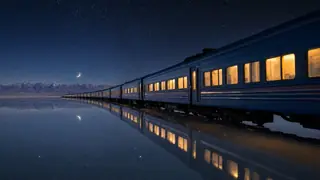
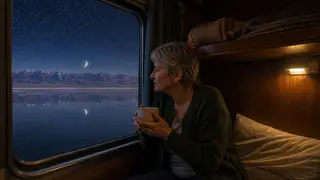
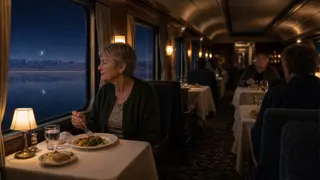
At midnight the train leaves the last town and runs out across the salt.
 1
 2
 3
 4
You approve each paid step before it runs.
Play a free sample of any of the 62 AI voices, then set the speed and delivery style.
Animatic splits the narration into scenes and makes a picture for each in your Visual Style.
Remake any scene or change its timing, then export in 16:9, 9:16 or 1:1.
A long script stays in one project, with no clips to stitch together. On Free, projects run up to 10 minutes and AI narration up to 5 minutes.
| Plan | Longest project |
|---|---|
| Free | 10 minutes |
| Creator | 1 hour |
| Pro | 2 hours |
| Ultra | 3 hours |
Up to your plan's project length: 10 minutes on Free, 1 hour on Creator, 2 hours on Pro and 3 hours on Ultra. On Free, AI narration stops at 5 minutes.
AI narration costs about 3 credits per minute of English narration. Languages written in other scripts, such as Hindi, Arabic or Japanese, use more, because the price follows the script's length. Pictures start at 3 credits per scene. Studio shows the cost before each step runs, and nothing is charged until you confirm.
Yes. Every voice has a free sample. Pick a language and accent, play the samples, then set the speed and delivery style.
Yes. Change what's said in a scene from the Timeline and only that scene is re-voiced. You can also switch to your own recording at any point, and earlier voiceovers are kept.
Yes. Start with an Idea drafts an editable script at the length you choose. You edit and approve it before anything is narrated.
Start free with 100 credits and no card. Upgrade when you want longer projects and exports without a watermark.